

Huawei MateBook X Pro vs Dell XPS 13 – The ultimate business laptop showdown


Huawei’s powerful new flagship laptop – the MateBook X Pro – recently launched in South Africa.
This premium machine boasts high-performance hardware and a wide range of useful features packed into a thin and lightweight design, which makes it perfect for professional users.
It stands at the top of the Huawei MateBook range – which also includes the MateBook D14 and D15 – two productivity workhorses aimed at those users seeking a balance in price and performance.
The MateBook X Pro, however, is designed for more discerning users who require a system that can complete demanding tasks quickly from wherever they are.
This makes it ideal for use by engineers, designers, content creators, and businessmen, or anyone looking for a highly-powerful laptop.
Within the same price range, one major PC manufacturer – Dell – offers another well-regarded machine – the 2-in-1 convertible XPS 13.
Design and display
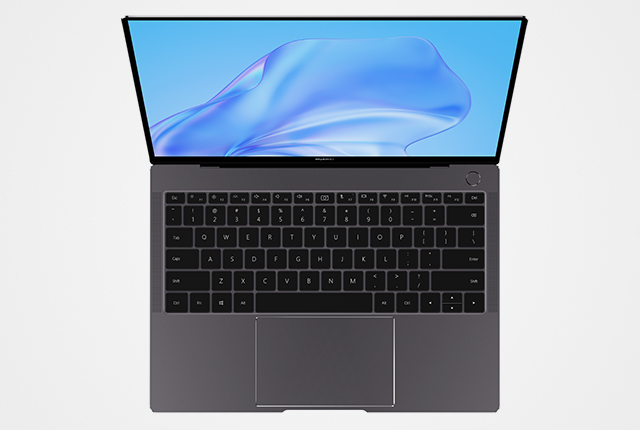
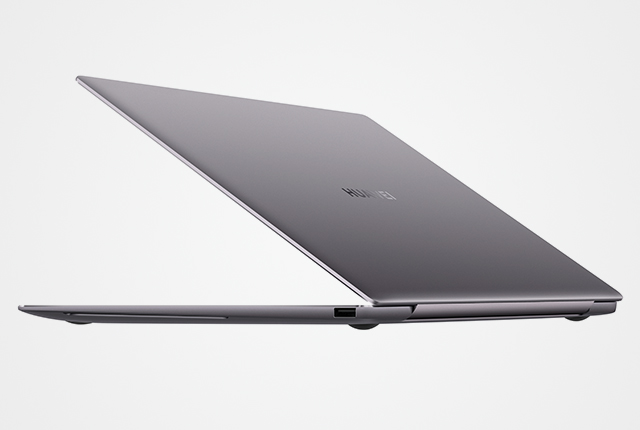
The MateBook X Pro features an all-aluminium alloy chassis shaped with CNC diamond cutting and sandblasted for an elegant finish.
Its conventional clamshell form-factor is known and used by most professionals.
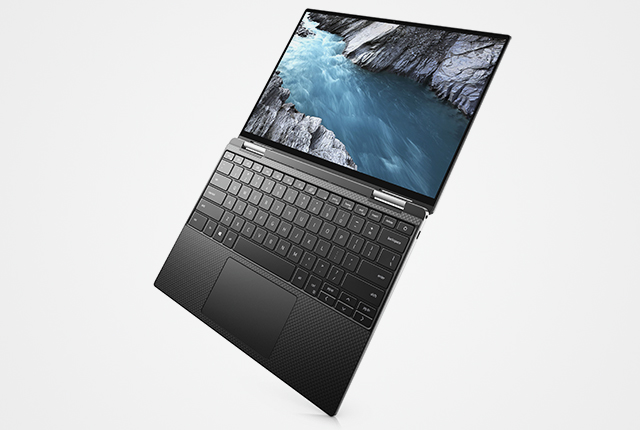
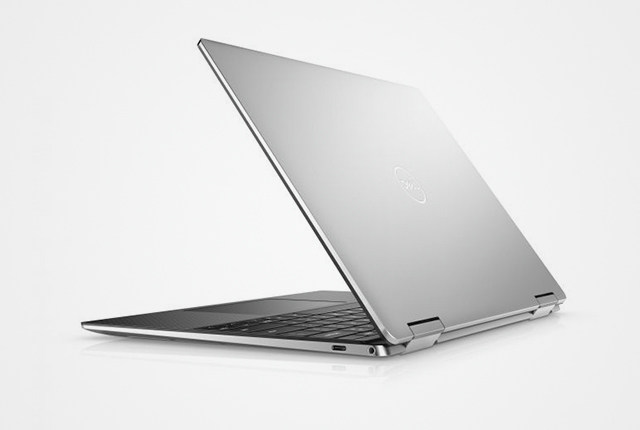
The Dell XPS 13 also boasts an aluminium body that is capable of being converted into various configurations – including tablet and tent modes.
Both laptops feature touch-enabled displays, allowing you to navigate and interface in the Windows 10 OS with ease.
The MateBook X Pro boasts a resolution of 3,000 x 2,000 (3K) resolution compared with the 3,840 x 2,160 (4K) display of the Dell XPS 13.
However, at this compact size the differences would be hard to notice to the average viewer.
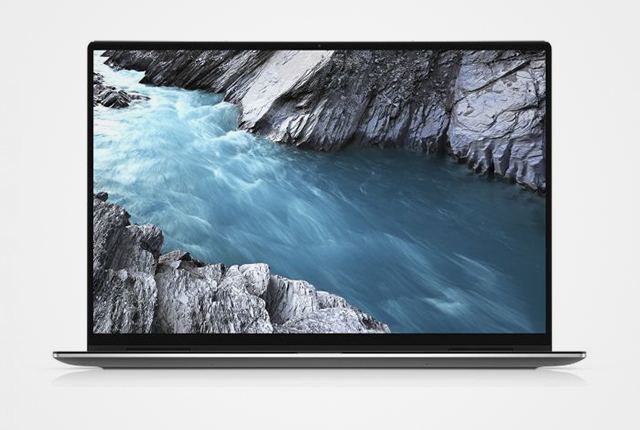
The former has an advantage when it comes to bezel size, however, with a much slimmer profile providing an over 90% screen-to-body ratio, as opposed to the 80% of the XPS 13.
It is also slightly larger at 13.9-inches compared to the 13.3-inches of the XPS 13.
Performance and graphics
The MateBook X Pro features an Intel Core i7-10510U processor, which has outperformed the Core i7-1065G7 chip in the XPS 13 in several benchmarks.
It also has a far more powerful GPU – the Nvidia GeForce MX250 – boasting around 50% better graphics performance.
This means it will be much better-suited at handling 3D applications and rendering.
This card is also capable of running several popular video games at lower to medium graphics.
Everyday use
In terms of everyday use, both laptops feature integrated fingerprint readers.
For added security, however, the MateBook X Pro’s camera is embedded in a keyboard button which can be pressed down to completely hide it.
The MateBook X Pro also has a slightly larger battery with a 56Wh capacity as opposed to the 51Wh pack on the XPS 13, which means it could last longer between charges.
Where to buy
The MateBook X Pro is available from the Huawei Online Store and includes a free Huawei Classic Backpack, FreeBuds 3, and Bluetooth mouse.
The Dell XPS 13 is R5,000 more expensive than the MateBook X Pro, and is available from Incredible Connection.
Below are images and specifications of the MateBook X Pro and Dell XPS 13.
| Specifications | Huawei MateBook X Pro | Dell XPS 13 (7390) |
|---|---|---|
| Display | 13.9-inch 3,000 x 2,000 LCD Touch Display | 13.3-inch 3,840 x 2,160 LCD Touch Display |
| Processor | Intel Core i7-10510U | Intel Core i7-1065G7 |
| RAM | 16GB | 16GB |
| Storage | 512GB NVMe SSD | 512GB NVMe SSD |
| Graphics | Nvidia GeForce MX250 | Intel Iris Plus |
| Webcam | 720p HD | 720p HD |
| Ports | 2 x USB-C, 1 x USB-A 3.0, 1 x 3.5mm audio jack | 1 x USB-C, 1 x USB-A 3, 1 x USB-A 2.0, 1 x 3.5mm audio jack, 1 x microSD card reader |
| OS | Windows 10 Professional | Windows 10 Home |
| Battery | 56Wh | 51Wh |
| Fingerprint sensor | Yes | Yes |
| Connectivity | Wi-Fi 5, Bluetooth | Wi-Fi 6, Bluetooth |
| Price | R34,999 | R39,999 |
| Dimensions | 304 x 217 x 14.6 mm (1.3kg) | 299 x 209 x 13.5 mm (1.36kg) |
MateBook X Pro

XPS 13 (7390)


















 Loading ...