

Why Fujifilm Apeos printers are the ultimate addition to any office



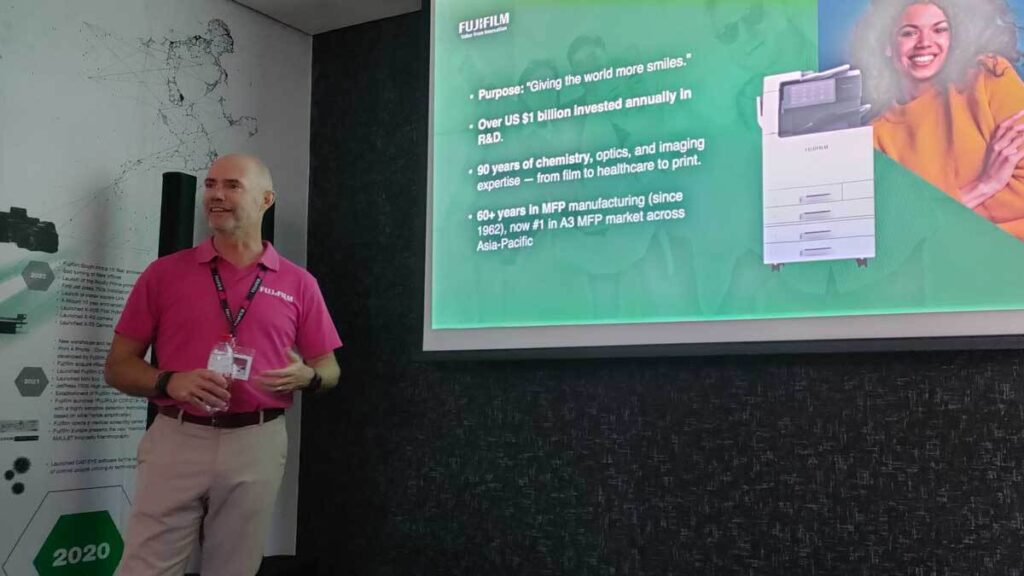
Fujifilm recently hosted a media event to highlight the power of its Apeos printers, which serve as a testament to the brand’s 90 years of excellence.
BusinessTech was invited to attend this event and got a first-hand look at how these printers can drastically improve office efficiency while removing the biggest challenges users often encounter with printers.
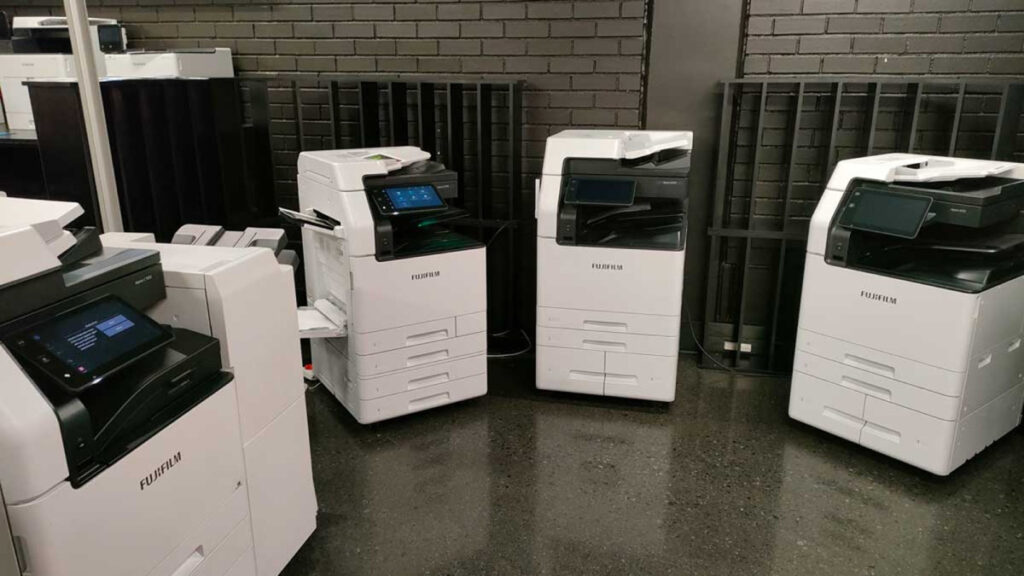
The Apeos range achieves this thanks to its excellent design philosophy, where Fujifilm focused on supplying unmatched power and utility in a quick and easy-to-use package.
We have outlined our key takeaways from the event about Fujifilm’s Apeos printers, below.
Quick and simple to use and set up
A common issue with printers is the esoteric nature of their menus and setup, which often leads to headaches even when attempting the simplest tasks.
Apeos printers address this using a simple layout with consistent operational steps, making it easy to know how to do every print job.
The home screen of the printers can also be personalised for further ease of use, and frequently used configurations can be pinned.
This is complemented by support for wireless LAN connectivity, allowing Apeos printers to support free addressing in an office with Wi-Fi support.
These printers also support smartphone operation, turning such devices into portable operational panels.

High performance
The Apeos range boasts impressive technical performance to promote greater work efficiency.
This includes being equipped with multi-feed detection that makes bulk scanning less time-consuming, and Duplex Automatic Document Feeders, making scanning papers of different sizes easy without needing to adjust any settings.
Advanced Super EA-Eco toner technology and high-resolution LED printheads complement this functionality and provide industry-leading print resolutions of up to 1,200 x 2,400 dpi.
The LED printheads can produce such results because they use a thin LED beam to write the image, improving accuracy and eliminating the vibrations usually created by mechanical printers.
Fast startup and warm-up times also ensure minimal delays when something needs to be printed.
Focus on security
The Apeos range of printers features strong security features that enable hybrid work styles without worrying about data security.
These security features include:
- Watermark-protected documents
- Protection against unauthorised access via secure authentication settings and multi-level authentication
- The ability to create set printing times
- BLI Security validation (Keypoint Intelligence)
- Encryption of stored data using a TPM 2.0 chip
- Email and document security using digital certificates
- Password protection for scanned PDFs, with printing and editing restrictions
Thanks to these security features, Fujifilm has gained an ISO/IEC15408 certification, representing an international standard for designing and operating information technology security with MFPs.
This makes Apeos printers a natural choice for any company printing or scanning sensitive documents and images.
Click here to learn more about Fujifilm’s Apeos line of printers.


















 Loading ...